One installer. No credit card. Open the app, explore the demo, and activate your licence when you're ready to go unlimited.
Returning customer? Renew or buy pay-as-you-go access →
There's one installer for everyone — the demo and the full version are the same app.
Run the installer on your Windows PC. Takes under two minutes. No complex setup or account required.
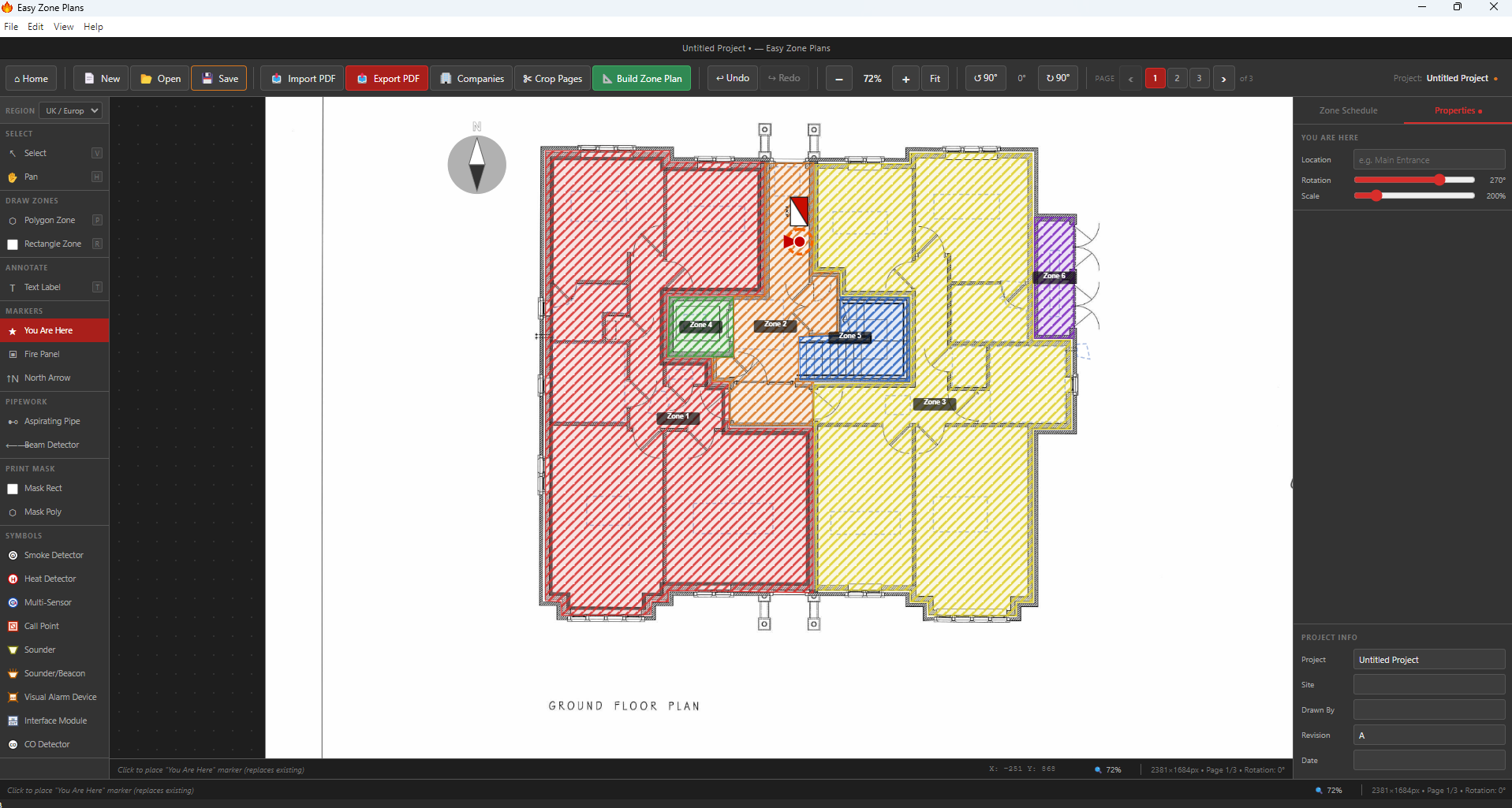
The welcome screen lets you jump straight into the demo — explore the full interface, import a floor plan, and try all the tools. No licence needed.
When you're ready to go unlimited, buy a licence from the pricing page and enter your key in the app. Full access, instantly.
You don't need training, tutorials, or a call with our team.
Run the installer. Under two minutes. No complex setup.
Drop in any floor plan PDF. Set the scale using a known measurement.
Mark zone boundaries, drag EN54 symbols, add evacuation routes.
Add your branding and export a professional PDF.
The download page is not just a button — here is what you can expect once the installer is on your PC.
You can explore the interface, test the drawing tools, and get a feel for the workflow before paying for a licence.
Use one of your own building plans to see how quickly you can start drawing zones and placing symbols.
Need answers before buying? Visit the FAQ, check the support page, or review the pricing options.
Easy Zone Plans runs on any standard business PC or laptop.
Easy Zone Plans is a practical fit for fire alarm engineers, fire and security contractors, and life safety professionals who need professional drawings without a CAD learning curve.
If you currently outsource zone plans, mark them up manually, or spend too long in generic CAD packages, this software is designed to make that process faster. You can import a floor plan PDF, add EN54-compliant symbols, draw clear fire alarm zones, and export a finished PDF that looks ready for client handover.
Want to see the full capability first? Explore the features page or read our guide on what a fire alarm zone plan should include.
Try it free first — no credit card needed. See full pricing details →
Download Easy Zone Plans, try the demo, and see how fast you can create a professional zone plan.
Try it free — download nowWindows 10/11 · ~100 MB · No credit card required