Easy Zone Plans replaces expensive CAD software and outsourced drafting with a specialist tool built for fire alarm engineers and life safety professionals.
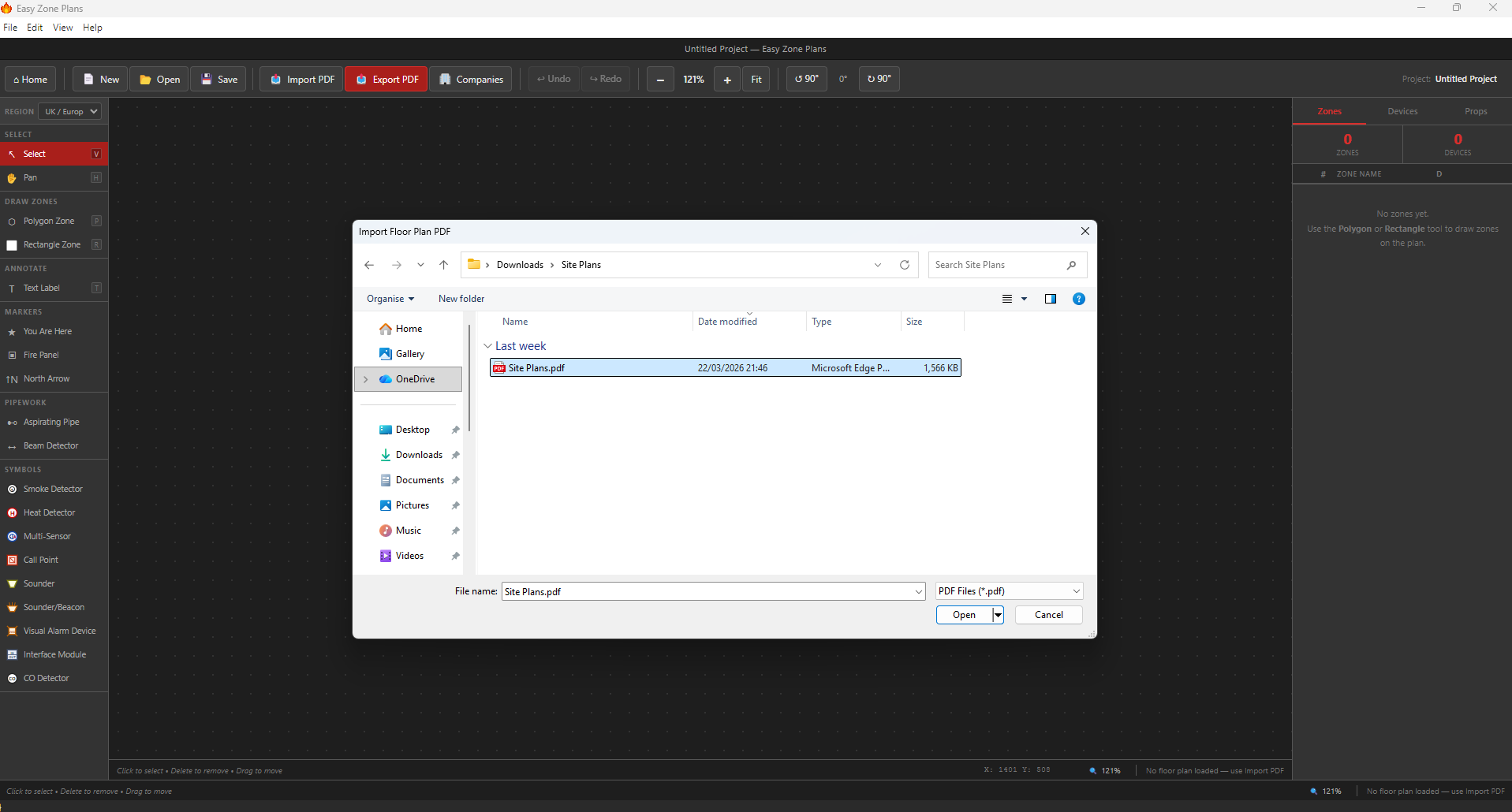
Start with what you already have. Import any architect's floor plan as a PDF and Easy Zone Plans uses it as your base layer so you can work accurately from the start.
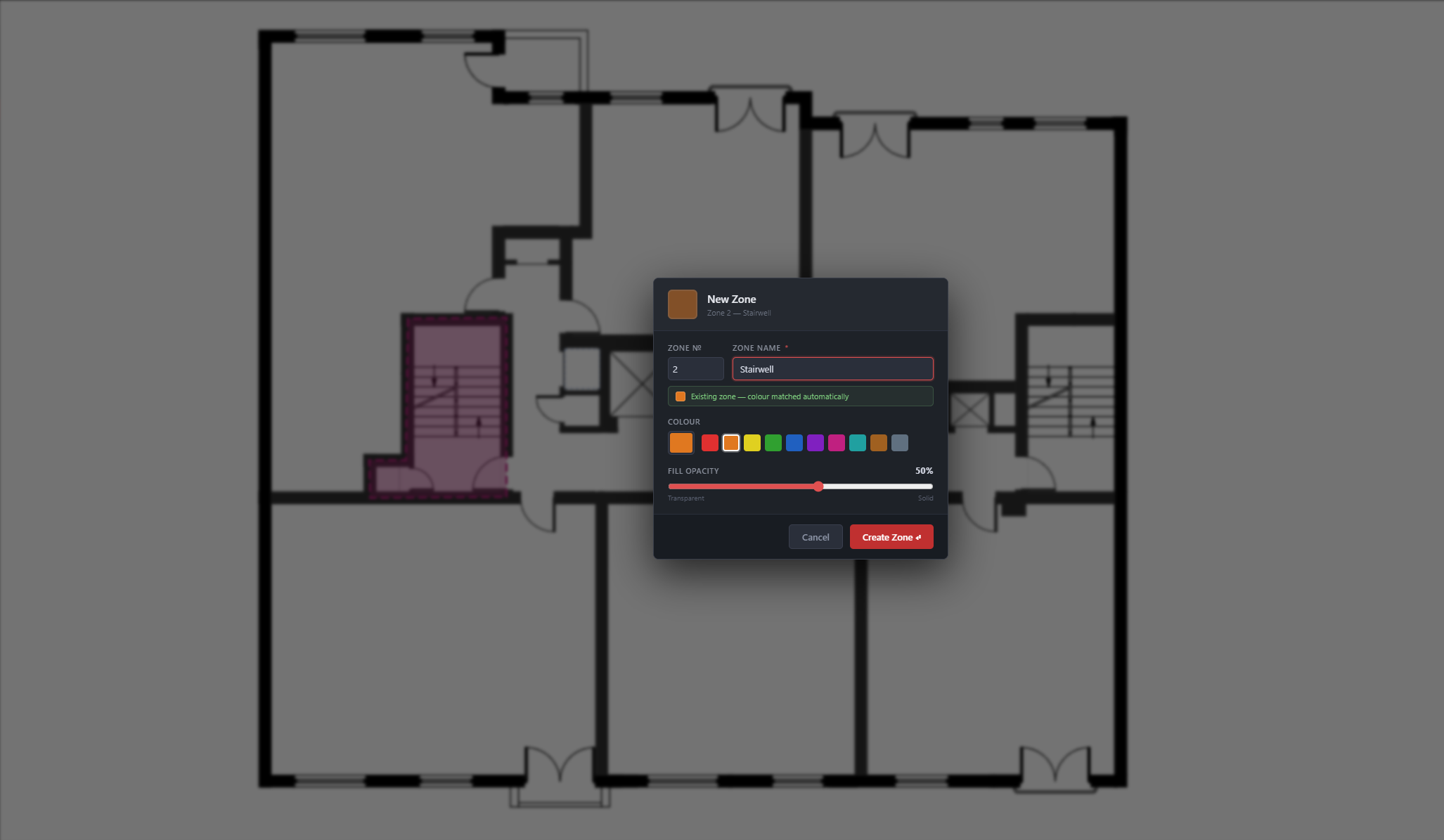
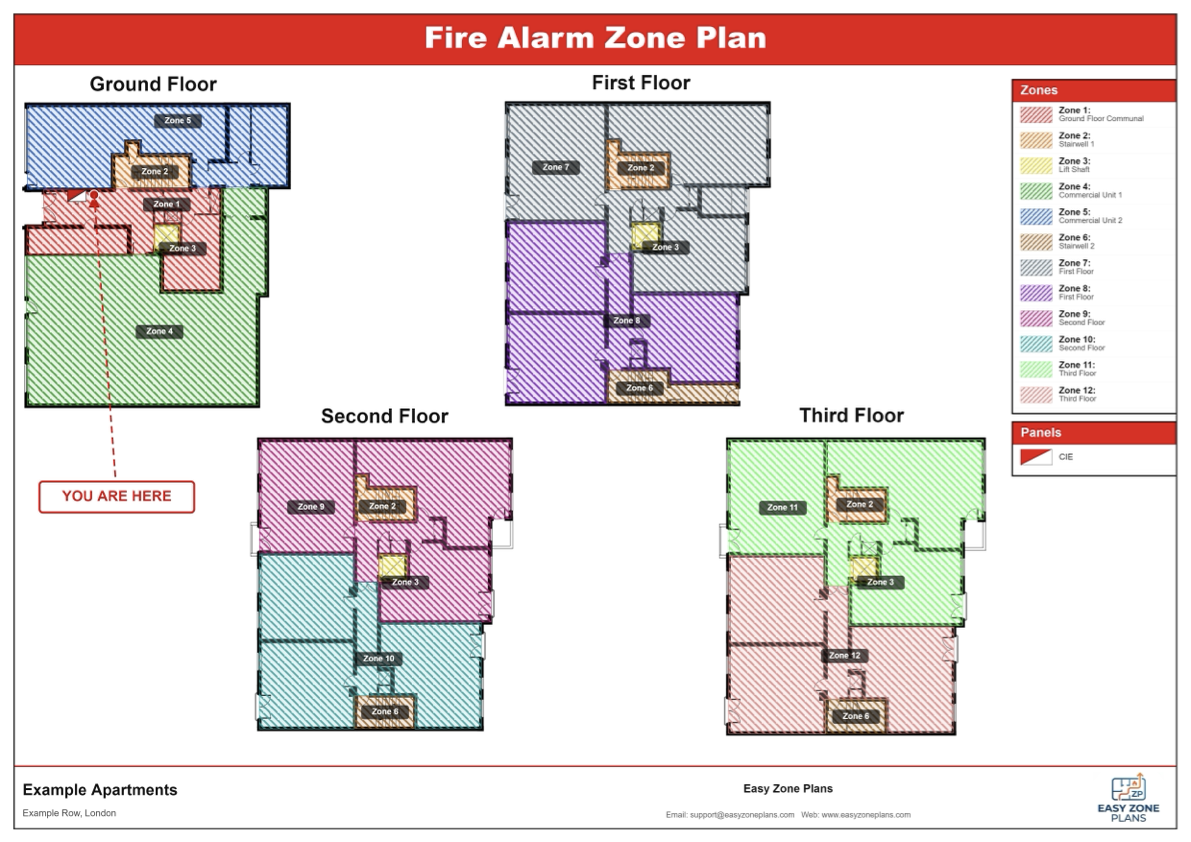
Use intuitive drawing tools to mark fire alarm zone boundaries directly onto your floor plan. Colour-coded zones make your plans instantly readable for engineers and clients alike.
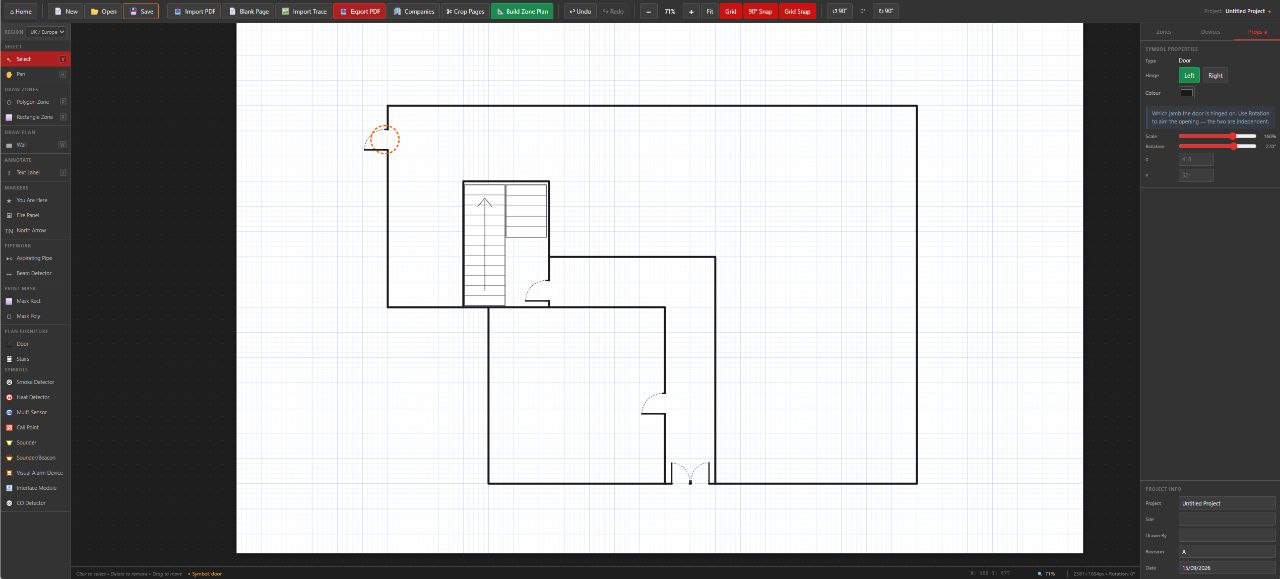
The built-in symbol library includes the fire alarm and life safety symbols you need, all compliant with EN54 standards. Simply click a symbol and place it anywhere on your plan.
Easy Zone Plans isn't just for zone plans. Create compliant evacuation and egress plans in the same tool — using the same floor plan you've already imported.
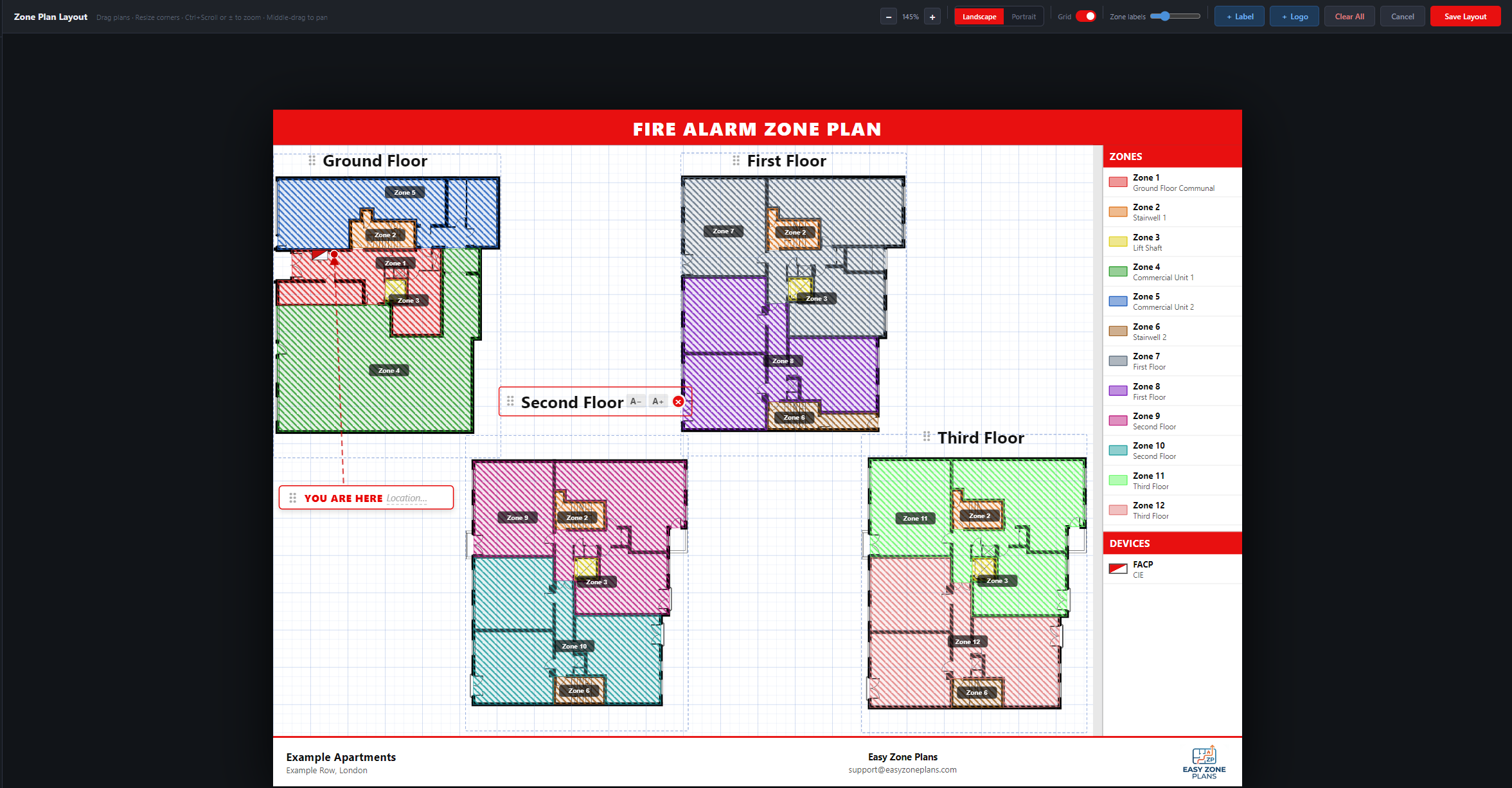
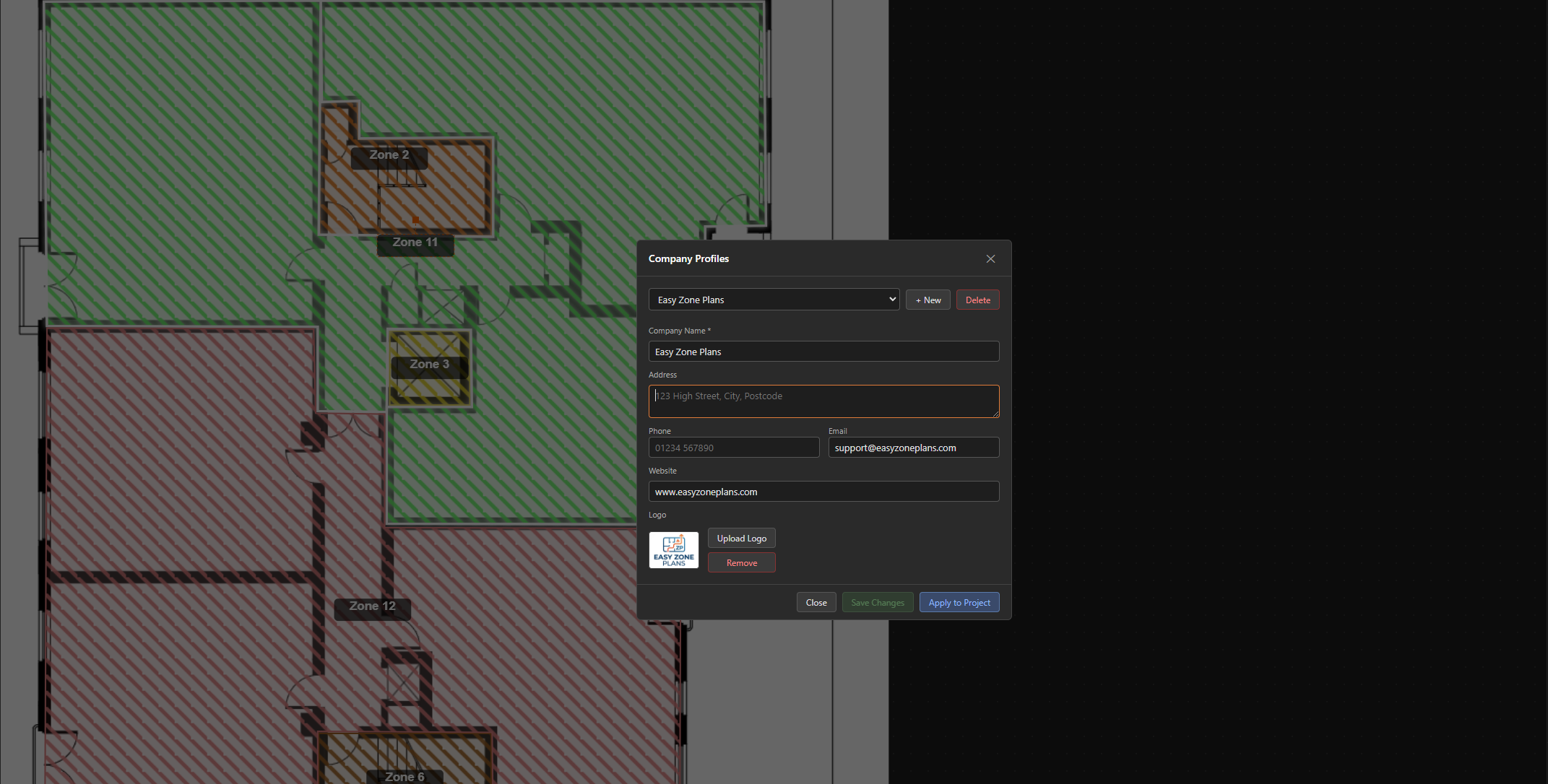
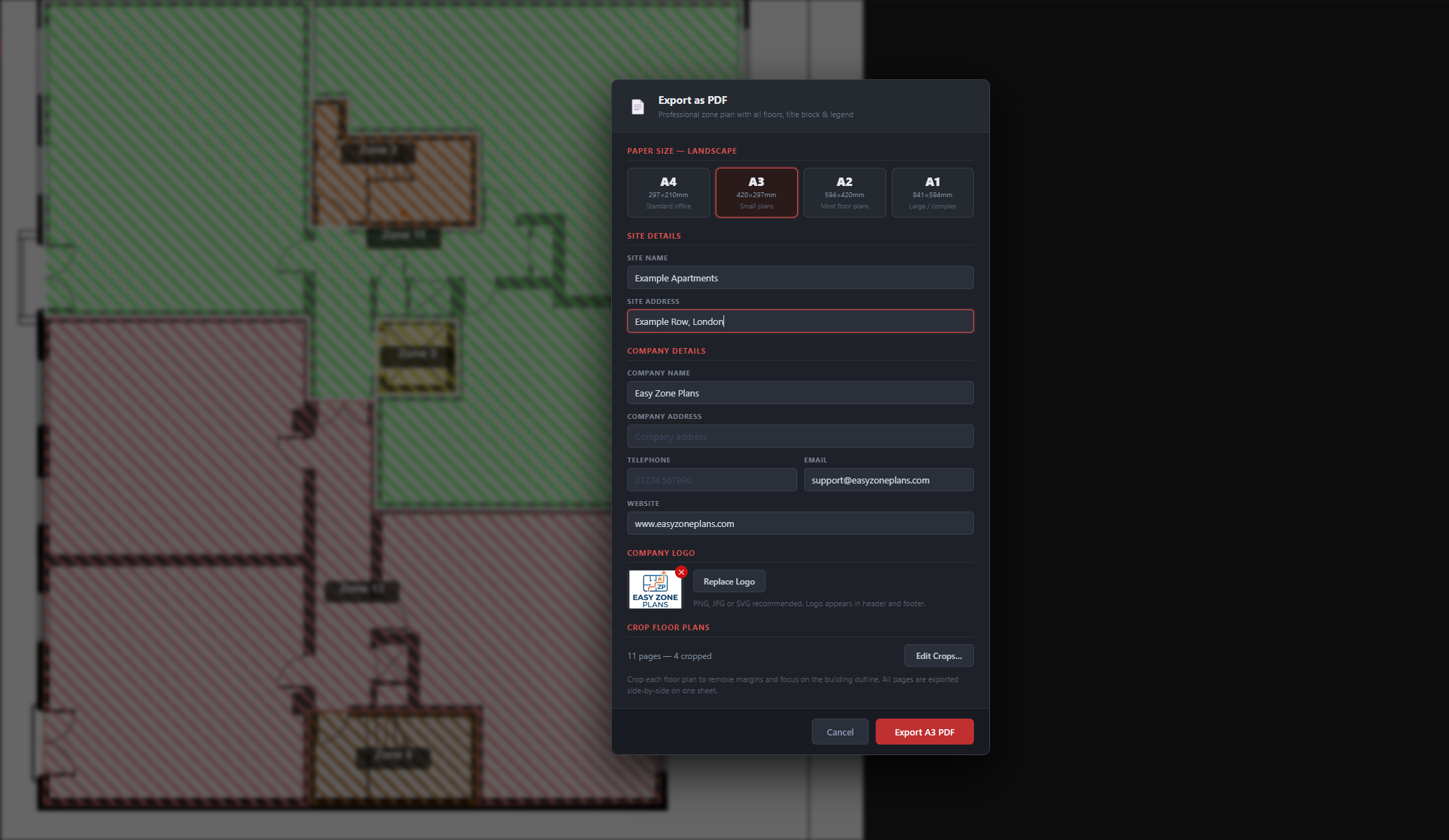
Every plan you create can carry your company's branding. Add your logo, company name, and project details, then export a polished PDF ready to send to clients.
The numbers behind Easy Zone Plans.
See how a specialist tool compares to generic CAD software and outsourcing to a drafter.
| Capability | Easy Zone Plans | Generic CAD |
|---|---|---|
| EN54 symbol library built in | ||
| PDF floor plan import | ||
| Zone overlay tools | ||
| Evacuation plan tools | ||
| No training required | ||
| Company branding on plans | ||
| Cost per year | From £80 +VAT | £2,000+ |
Generic CAD refers to tools like AutoCAD, which require separate symbol libraries, training, and significantly higher licence costs.
Download Easy Zone Plans and create your first professional zone plan in under 30 minutes — no CAD skills, no steep learning curve.
Try it freeWindows desktop app